Recently, I explored the free tier of Cursor, an AI-powered code editor designed to boost productivity and streamline software development. Cursor offers a modern, VSCode-based experience with integrated AI features for code completion, refactoring, and documentation.
What is Cursor?
Cursor is a next-generation code editor that leverages artificial intelligence to help developers write, understand, and improve code faster. It integrates seamlessly with popular workflows and supports a wide range of programming languages.
Free Tier Features
- AI code completion and suggestions
- Basic refactoring tools
- Limited daily usage of advanced AI features
- Access to community support and updates
Limitations
- Daily cap on AI-powered actions (e.g., completions, explanations)
- Some advanced features (like unlimited AI chat or priority support) are reserved for paid plans
My Experience
The free tier is a great way to try out Cursor’s capabilities. For students, hobbyists, or anyone curious about AI-assisted coding, it provides enough functionality to boost productivity without cost. The interface is intuitive, and the AI suggestions are genuinely helpful for both learning and speeding up routine tasks.
More Information
You can learn more or sign up for the free tier at Cursor’s official website.
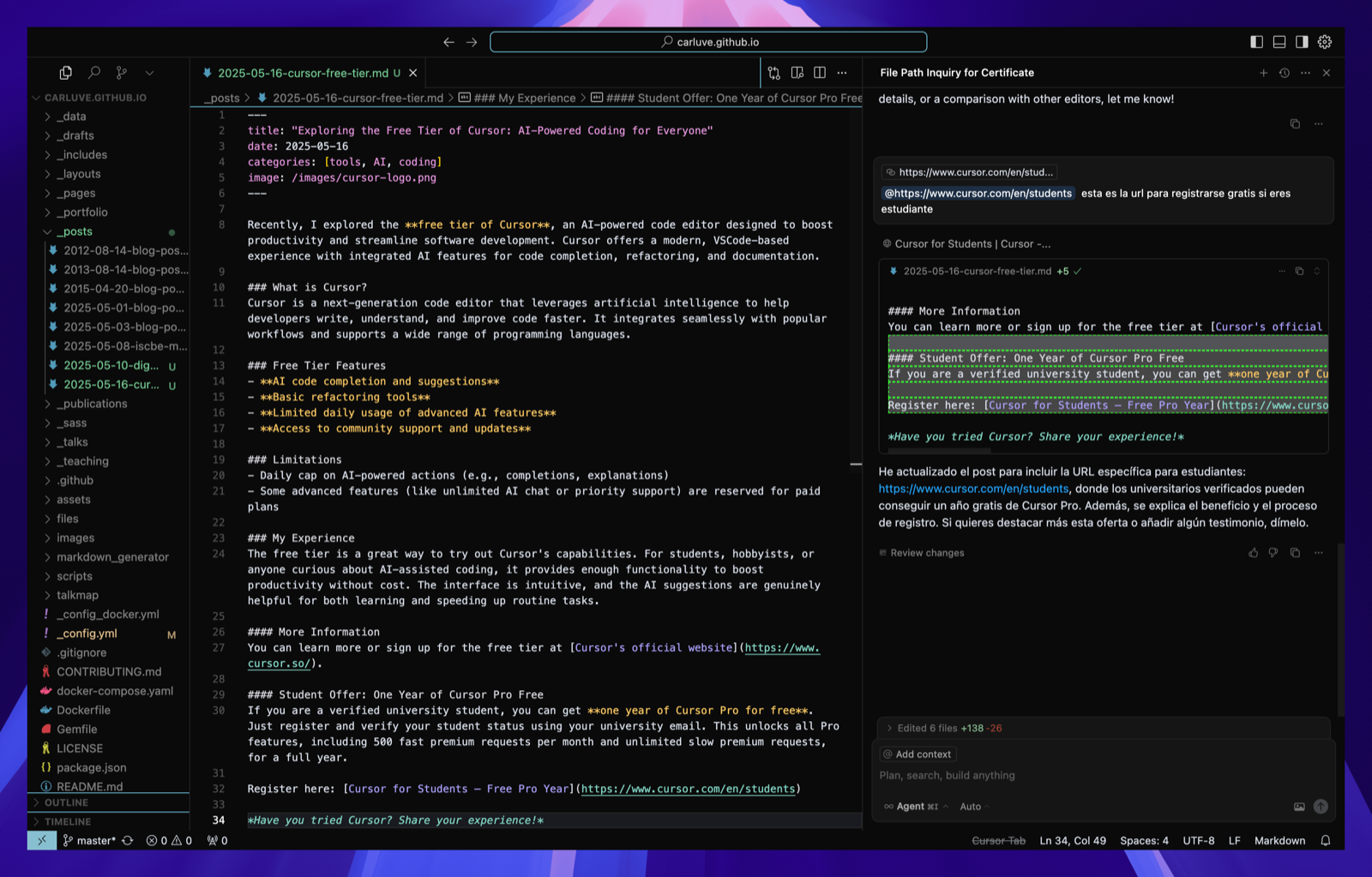
Student Offer: One Year of Cursor Pro Free
If you are a verified university student, you can get one year of Cursor Pro for free. Just register and verify your student status using your university email. This unlocks all Pro features, including 500 fast premium requests per month and unlimited slow premium requests, for a full year.
Register here: Cursor for Students – Free Pro Year
Have you tried Cursor? Share your experience!